What changed
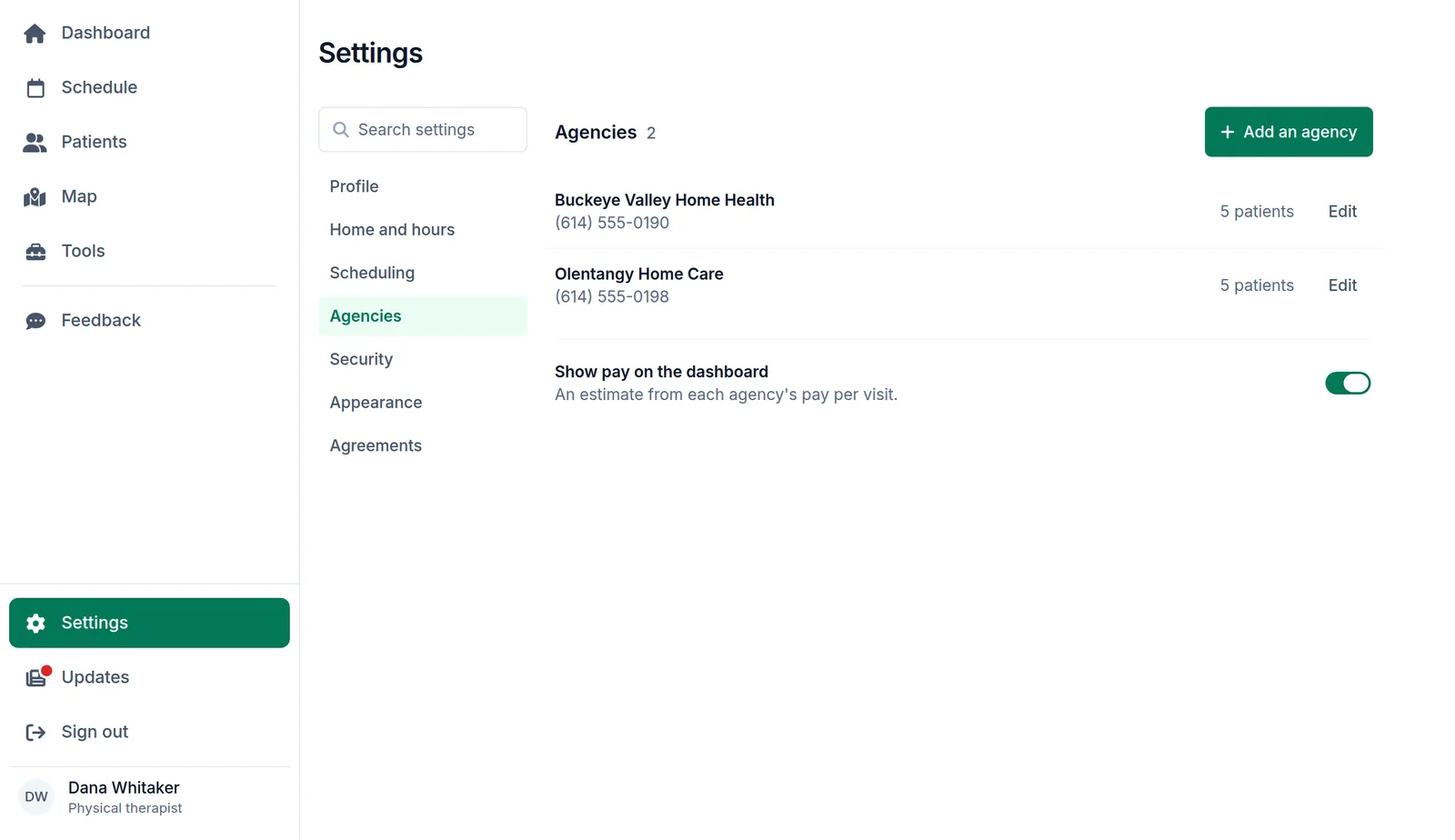
Many clinicians take patients from two or three agencies. In Logicly each patient now belongs to an agency, and each agency keeps its office phone and its pay rates. Look at a patient and you know whose patient it is and which system to chart in.
What this means for you
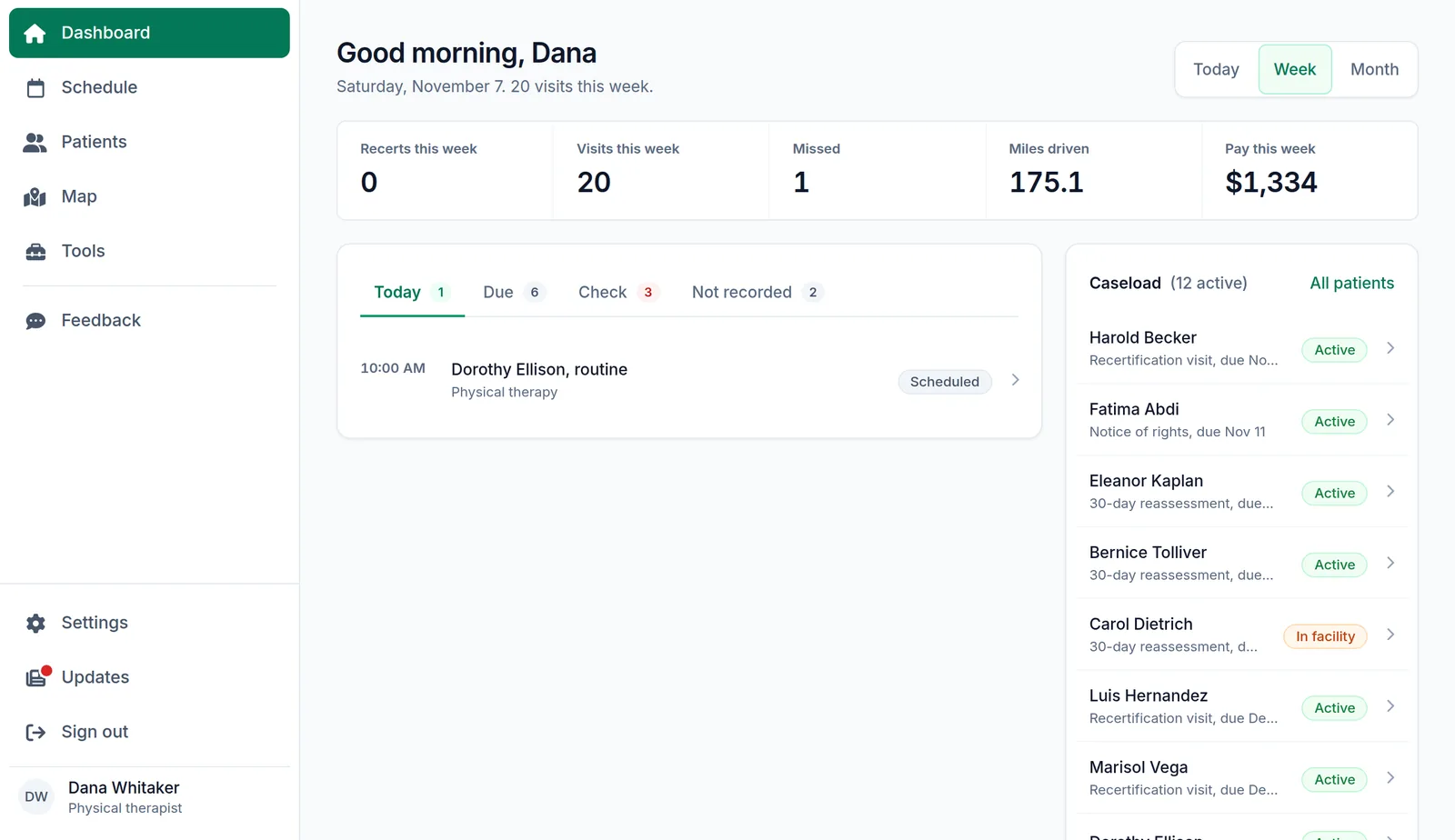
With pay rates in, the dashboard estimates your pay for the day, the week or the month, beside your visits and miles. Turn off Show pay on the dashboard if you would rather not see it.
How to set it up
- Open Settings in Logicly, then Agencies.
- Press Add an agency, and enter its name, office phone and pay per visit.
- On each patient’s record, choose their agency.