What changed
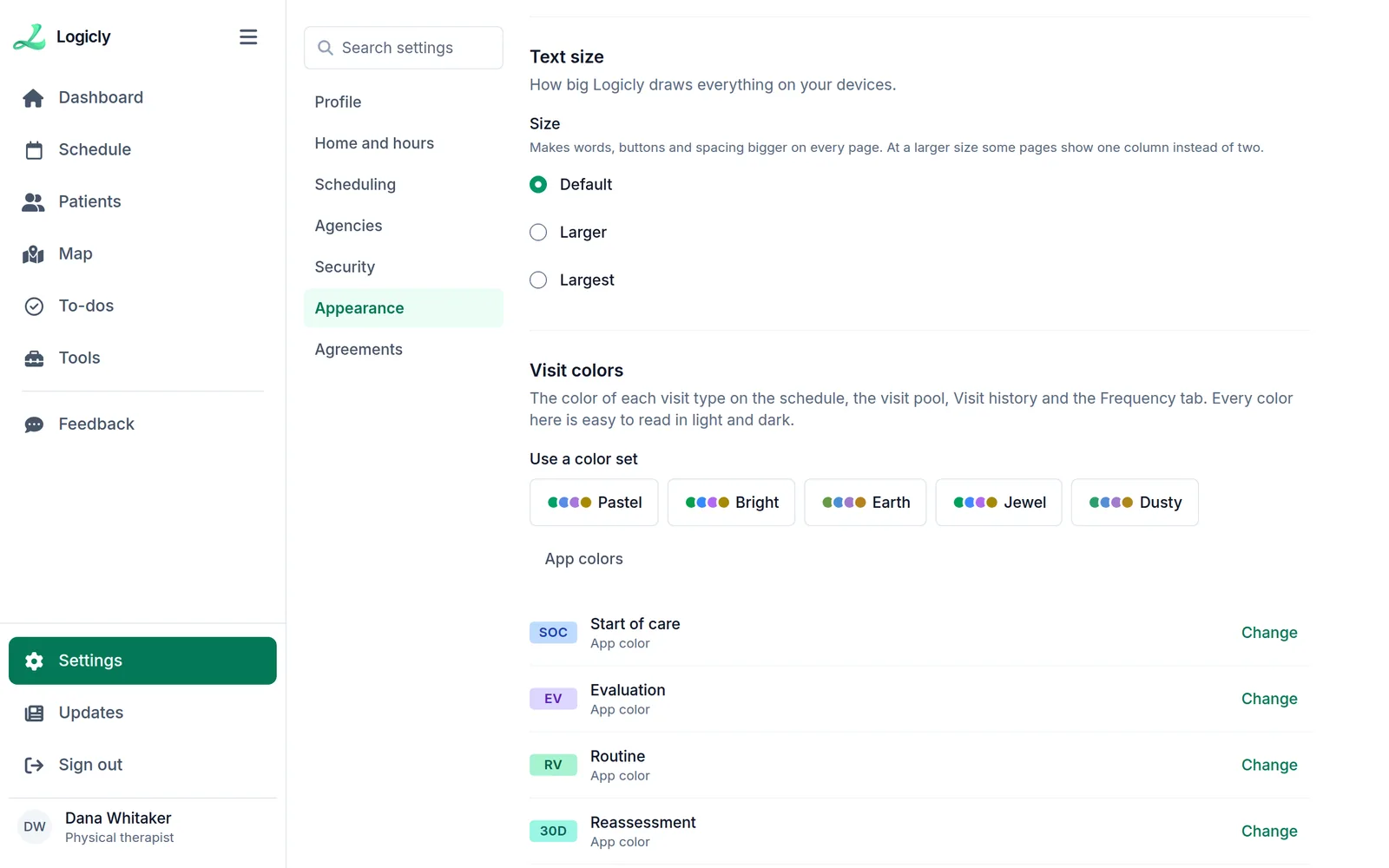
Each clinician chooses the colors of the visit types: start of care, evaluation, routine, reassessment, recertification and the rest. Pick a color set, such as Pastel, Bright, Earth, Jewel or Dusty, or change one type at a time.
Every color on offer stays easy to read in light and dark. The colors show on the schedule, the visit pool, the Frequency tab and each patient’s Visit history.
How to change them
- Open Settings in Logicly, then Appearance.
- Under Visit colors, choose a color set, or press Change beside a visit type.